> ## Documentation Index
> Fetch the complete documentation index at: https://docs.multex.tech/llms.txt
> Use this file to discover all available pages before exploring further.
# Channels
> Configs dont have to be hard
### Audit Logs
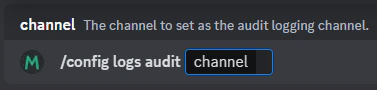
A channel can be set as an audit log channel. This means that all command usages will be sent to this channel.
To set audit logs, you can use the `/config audit channel` command. This will send a verification message to the specified channel when a user verifies their account.