> ## Documentation Index
> Fetch the complete documentation index at: https://docs.multex.tech/llms.txt
> Use this file to discover all available pages before exploring further.
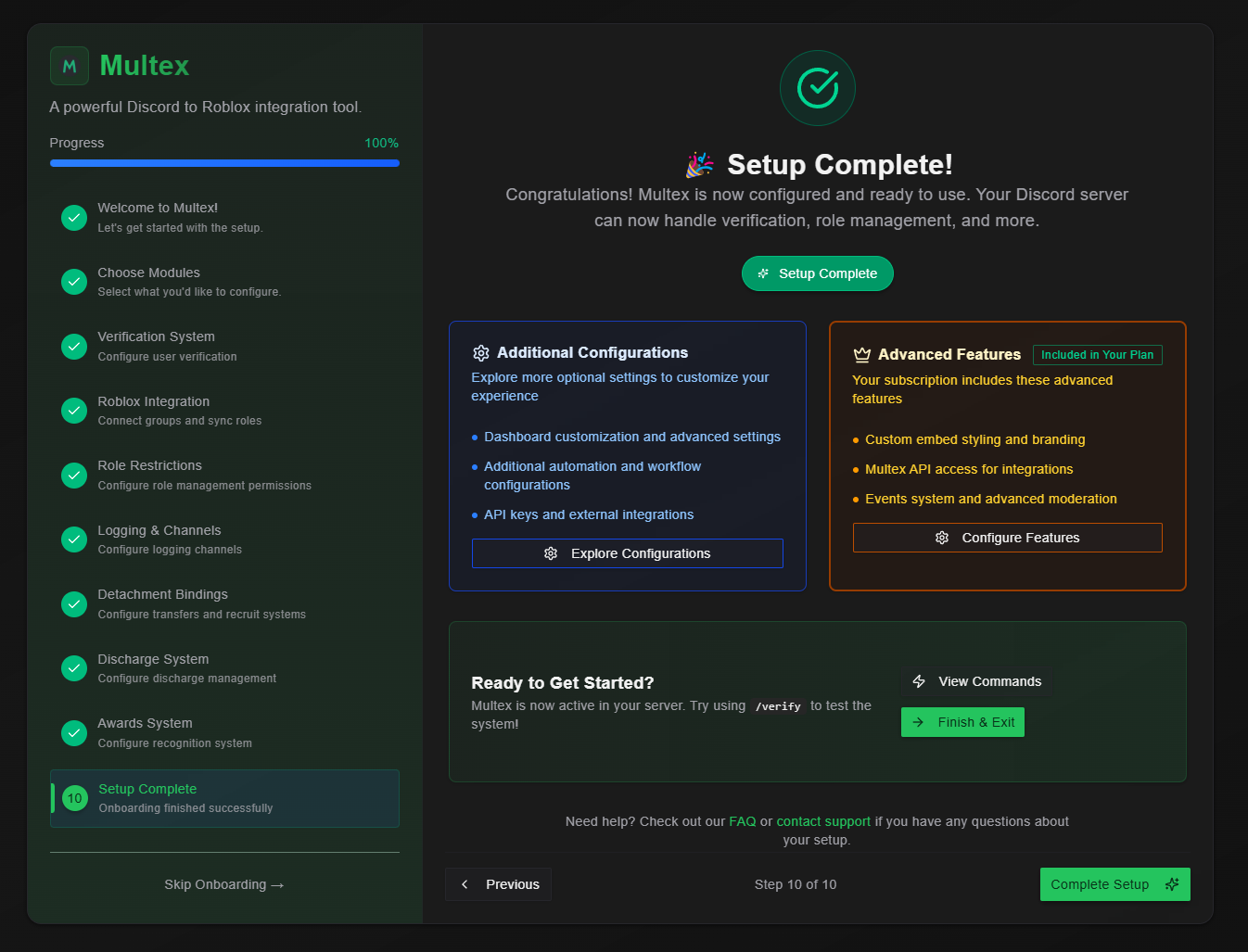
# Complete Setup
> Finish your Multex onboarding process
## Congratulations! 🎉
You've successfully completed the Multex onboarding process! Your Discord server is now configured with comprehensive automation and management features that will streamline your community operations.
## Final Setup Review
 ## Ongoing Support Resources
### Getting Help
* **Comprehensive Documentation** - Revisit this documentation to refresh on how to configure something through onboarding
* **Community Support** - Join our support [Discord server](https://discord.com/invite/JBBNuQzsxJ) for peer assistance
## Welcome to the Multex Community! 🚀
Your Discord server is now equipped with professional-grade automation and management tools. You're joining hundreds of communities that rely on Multex for:
* **Increased Efficiency** - Automated processes save hours of manual work
* **Enhanced Security** - Robust permission systems protect your community
* **Improved Experience** - Seamless verification and role management for members
* **Professional Management** - Advanced tools for growing and maintaining your community
Keep your configuration updated as your community grows. Regularly review permissions, test new features, and gather member feedback to continuously improve your setup. Multex is an evergrowing tool and so should your community.
Maintain security best practices: keep API keys secure, regularly audit staff permissions, monitor for unusual activity, and always test changes in a controlled environment before applying them community-wide.
**Need additional help?** Our documentation covers advanced configurations, troubleshooting guides, and best practices for community management. Welcome to the future of Discord-Roblox integration!
## Ongoing Support Resources
### Getting Help
* **Comprehensive Documentation** - Revisit this documentation to refresh on how to configure something through onboarding
* **Community Support** - Join our support [Discord server](https://discord.com/invite/JBBNuQzsxJ) for peer assistance
## Welcome to the Multex Community! 🚀
Your Discord server is now equipped with professional-grade automation and management tools. You're joining hundreds of communities that rely on Multex for:
* **Increased Efficiency** - Automated processes save hours of manual work
* **Enhanced Security** - Robust permission systems protect your community
* **Improved Experience** - Seamless verification and role management for members
* **Professional Management** - Advanced tools for growing and maintaining your community
Keep your configuration updated as your community grows. Regularly review permissions, test new features, and gather member feedback to continuously improve your setup. Multex is an evergrowing tool and so should your community.
Maintain security best practices: keep API keys secure, regularly audit staff permissions, monitor for unusual activity, and always test changes in a controlled environment before applying them community-wide.
**Need additional help?** Our documentation covers advanced configurations, troubleshooting guides, and best practices for community management. Welcome to the future of Discord-Roblox integration!