> ## Documentation Index
> Fetch the complete documentation index at: https://docs.multex.tech/llms.txt
> Use this file to discover all available pages before exploring further.
# Introduction
> Get started with Multex onboarding
## Onboarding Overview
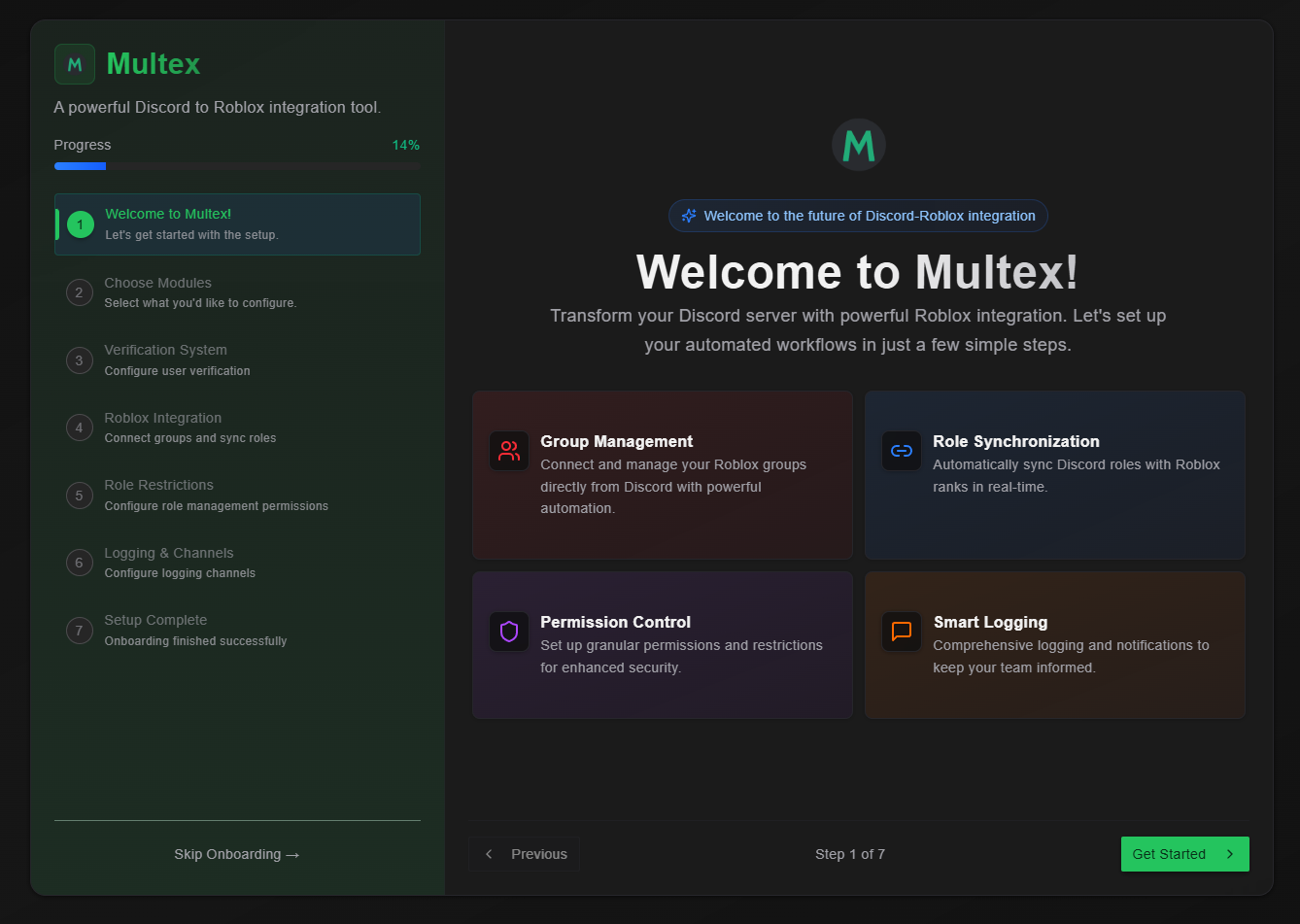
The onboarding process walks you through setting up Multex for your Discord server. Each module configures a specific feature.
 ## Available Modules
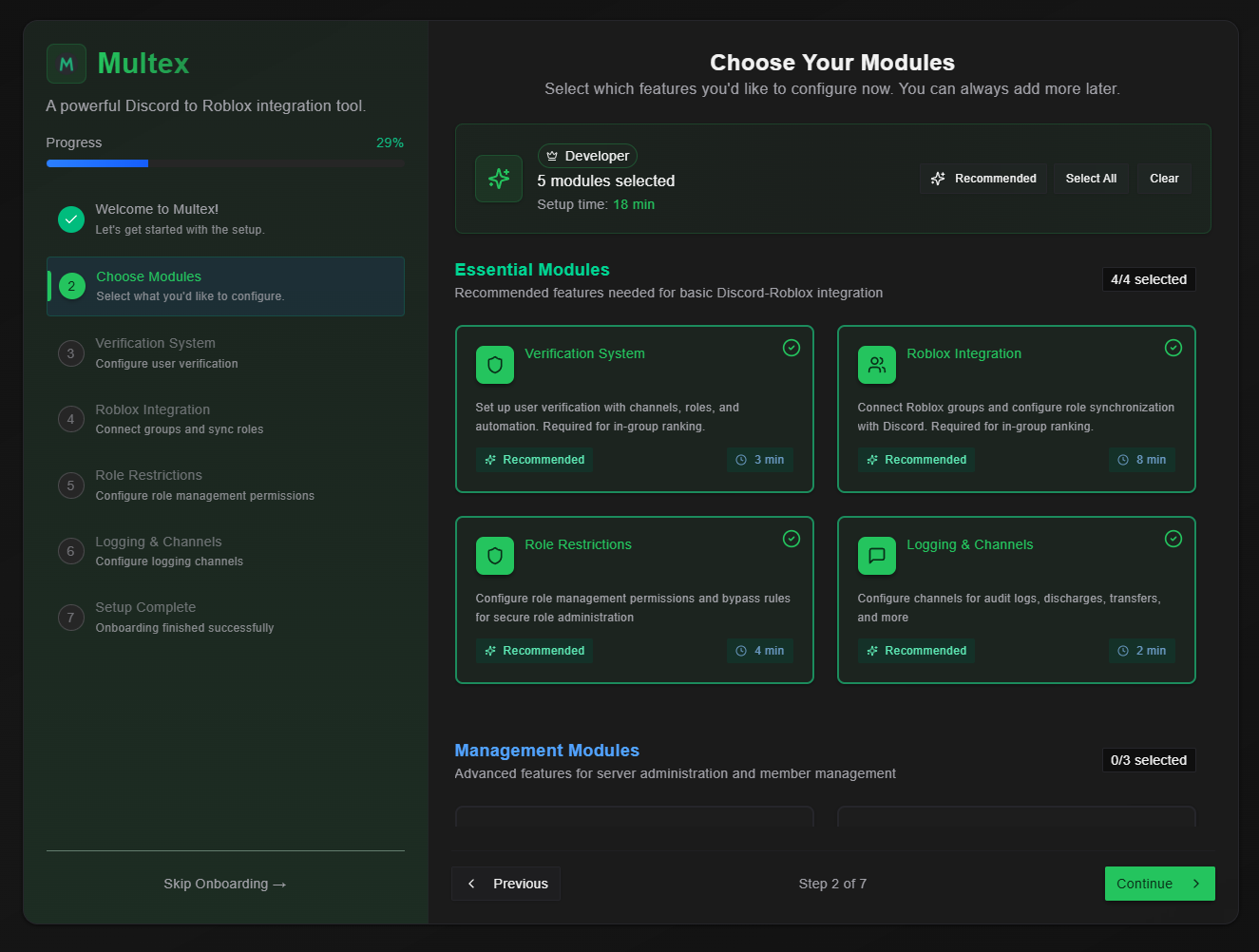 Configure only the modules you need:
* **Roblox Integration** - Connect your Discord server to your Roblox group
* **Roblox Roles** - Sync Discord roles with Roblox ranks
* **Verification Setup** - Configure user verification
* **Restrictions** - Set up role limitations
* **Logging** - Configure audit logs
* **Detachment Setup** - Link specialized units to Discord roles
* **Discharge Setup** - Configure member removal permissions
* **Awards Setup** - Create recognition systems
## Getting Started
1. **Add Multex to your server** if you haven't already
2. **Access the onboarding dashboard** - appears automatically your first time
3. **Work through each module** following the step-by-step instructions
4. **Test your configuration** to ensure everything works
Use the navigation on the left to begin with any module you need.
Configure only the modules you need:
* **Roblox Integration** - Connect your Discord server to your Roblox group
* **Roblox Roles** - Sync Discord roles with Roblox ranks
* **Verification Setup** - Configure user verification
* **Restrictions** - Set up role limitations
* **Logging** - Configure audit logs
* **Detachment Setup** - Link specialized units to Discord roles
* **Discharge Setup** - Configure member removal permissions
* **Awards Setup** - Create recognition systems
## Getting Started
1. **Add Multex to your server** if you haven't already
2. **Access the onboarding dashboard** - appears automatically your first time
3. **Work through each module** following the step-by-step instructions
4. **Test your configuration** to ensure everything works
Use the navigation on the left to begin with any module you need.